
One clear goal
Agree the extra work, additional price and schedule impact before doing it. Keep a dated record of exactly what was presented and how the client responded.
Step by step
-
Create a change record naming the client and project.
-
Describe the requested change, exclusions, additional price including applicable taxes, currency and schedule impact.
-
Set the requested decision date, save and check every detail.
-
Confirm the record to create its private approval link. The terms are fixed after sharing.
-
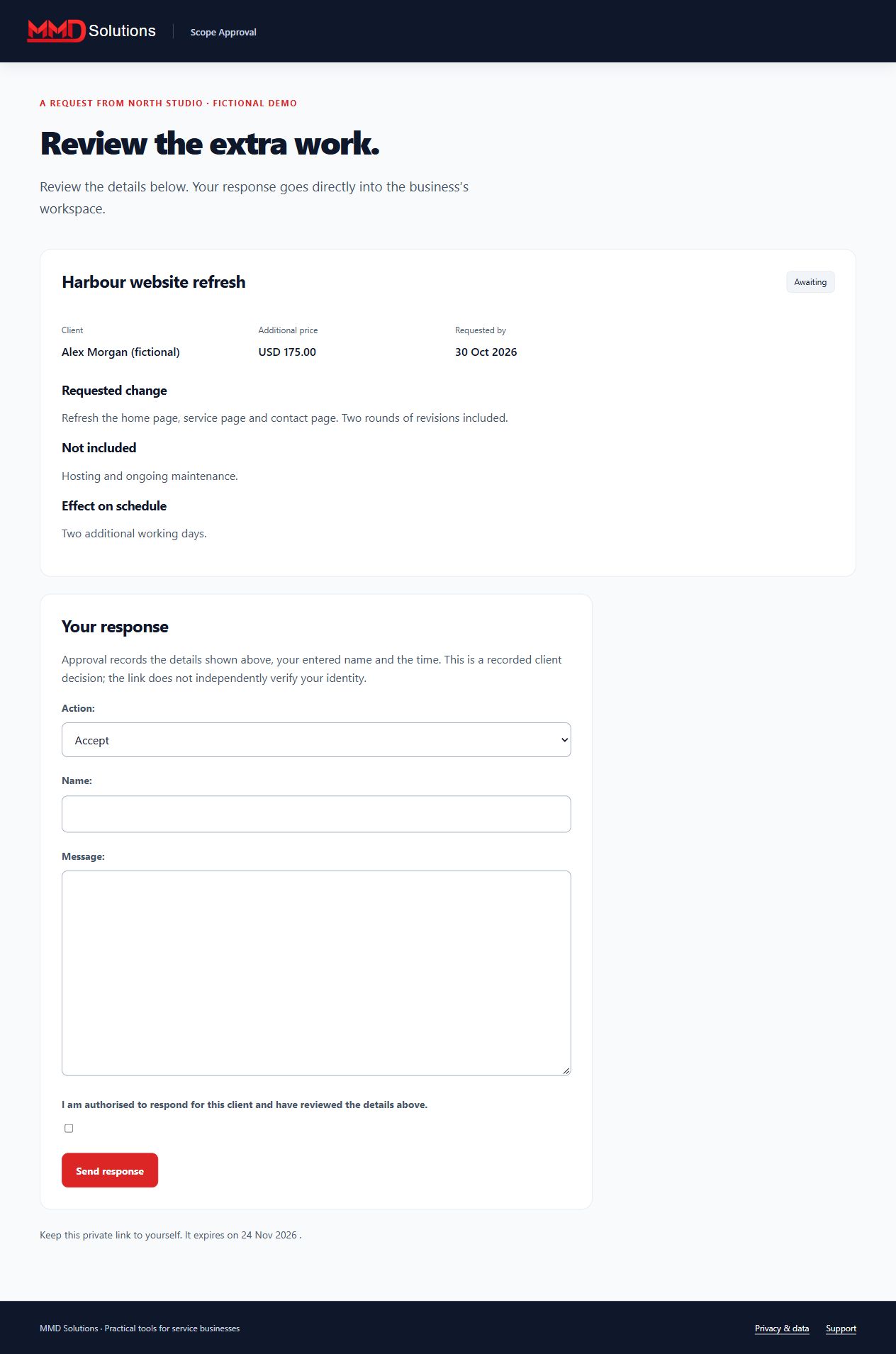
The client reviews the change, enters their name and records a decision. Reminders pause automatically.
-
Review the activity record and export it with the terms snapshot. A revised scope needs a new record.
Workspace screenshot
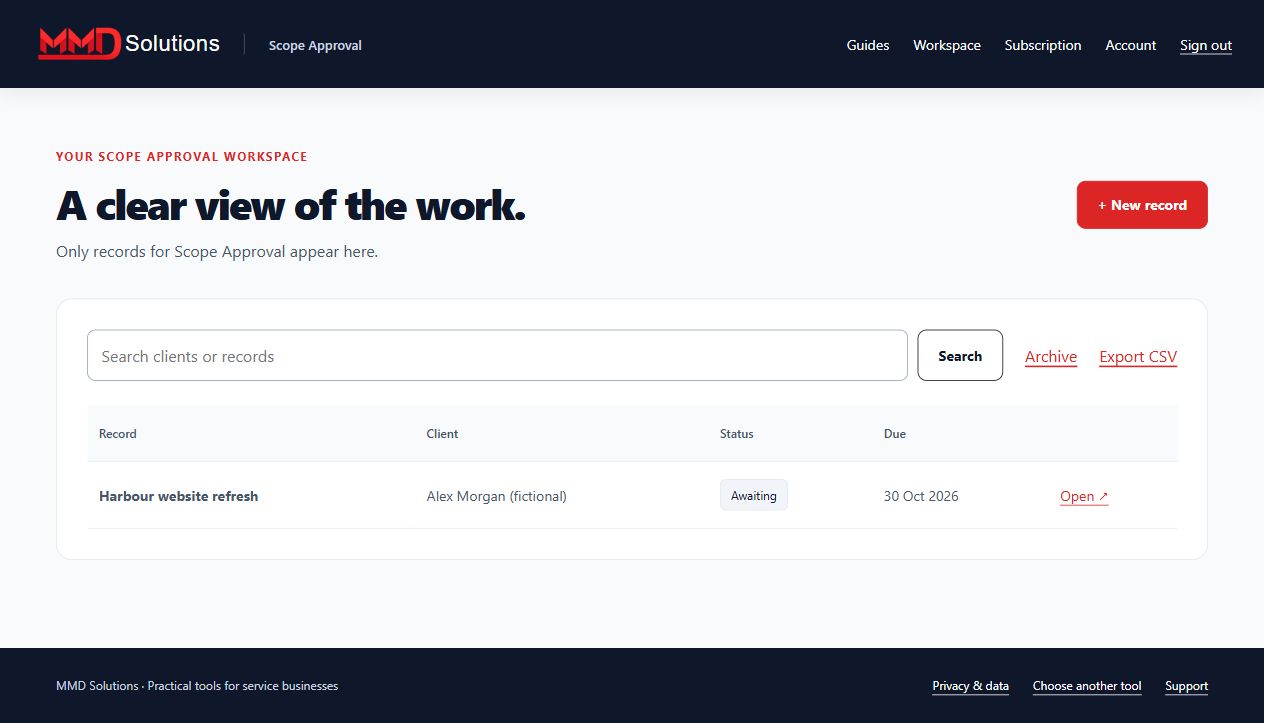
Fictional example. Each tool has its own records and subscription.
What your client sees
Limits and expectations
This records a decision through a private link. It does not independently verify identity, provide a certified signature or replace your contract. It does not verify payment. Up to 100 active records and three approved reminder emails per record.
Account and subscription
- Create a Hub account and confirm your email.
- Subscribe to this specific tool using the same email at checkout.
- Enter the receipt's licence key on this tool's Subscription page.
Each tool is purchased separately. Manage renewals and cancellation with your subscription provider. Use your stored-data page to export, download attachments where applicable, or delete records, including after cancellation.
View this tool's subscription