
One clear goal
Understand what a job leaves after the costs you enter, and compare the original estimate with the actual result.
Step by step
-
Create a record for the job and choose its currency.
-
Enter estimated revenue, labour, materials and other costs. Include your own time and a reasonable share of overheads, counting every cost once.
-
Save to see estimated profit and margin.
-
As the job finishes, edit the record and enter all four actual figures. Leave unknown figures blank rather than assuming zero.
-
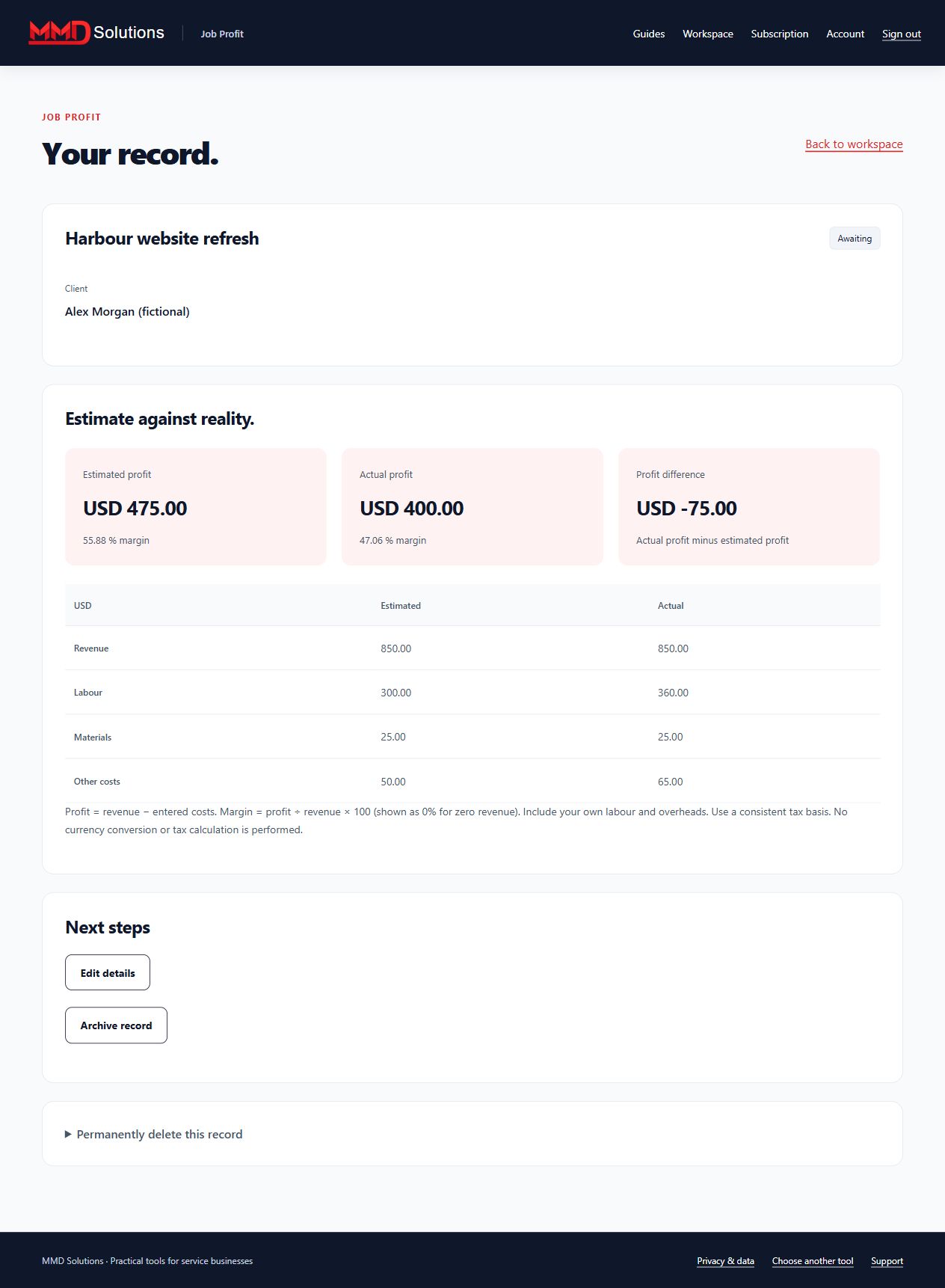
Compare actual profit, actual margin and profit variance against the estimate.
-
Export the records to CSV or archive completed jobs. Example: revenue of 1,000 minus labour of 200, materials of 100 and other costs of 50 leaves 650 profit and a 65% margin, in the chosen currency.
Workspace screenshot
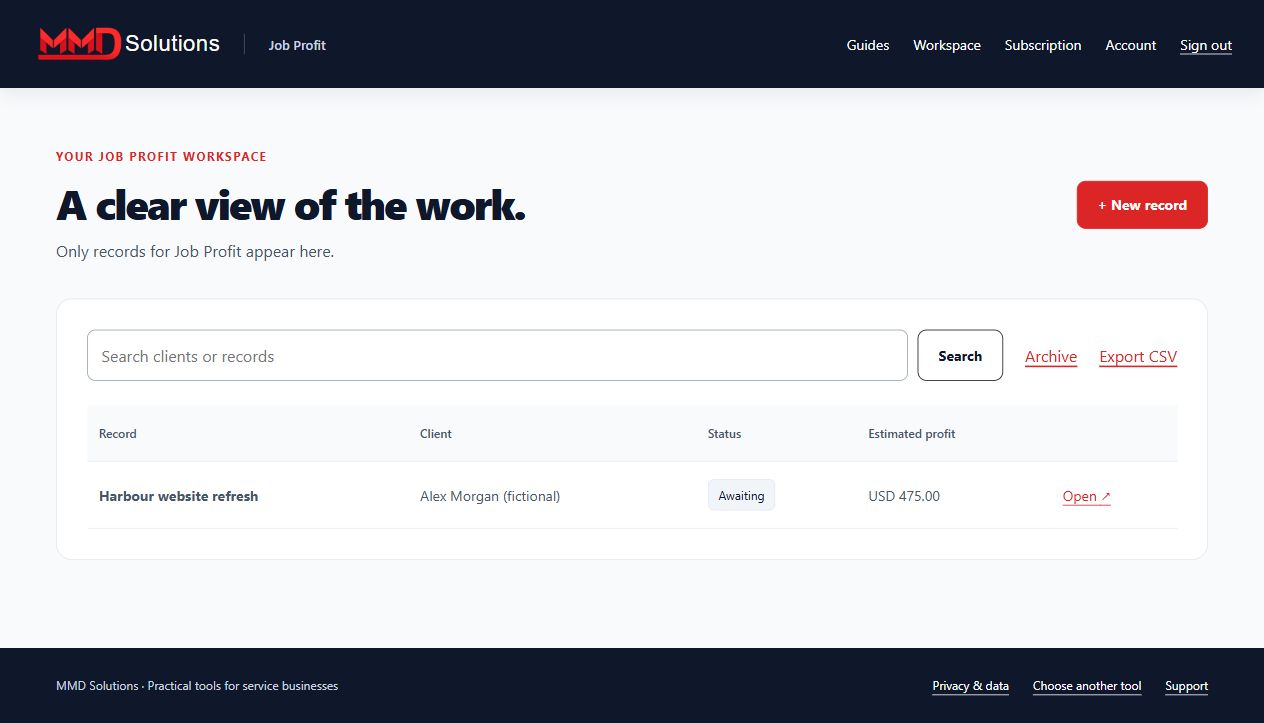
Fictional example. Each tool has its own records and subscription.
Profit comparison
Limits and expectations
Profit is revenue minus entered costs. Margin is profit divided by revenue; zero revenue is displayed as 0% margin. This is not take-home pay or tax advice. There is no currency conversion, tax calculation, bank connection or accounting sync. These records are private and have no client links or reminder emails. Up to 100 active records.
Account and subscription
- Create a Hub account and confirm your email.
- Subscribe to this specific tool using the same email at checkout.
- Enter the receipt's licence key on this tool's Subscription page.
Each tool is purchased separately. Manage renewals and cancellation with your subscription provider. Use your stored-data page to export, download attachments where applicable, or delete records, including after cancellation.
View this tool's subscription