
One clear goal
Follow up an invoice you have already issued, while giving the client a clear way to report payment, ask a question or dispute it.
Step by step
-
Create a record with the client, existing invoice reference, outstanding amount, currency and payment due date.
-
Add an HTTPS invoice or payment link from your existing provider if you have one.
-
Save, check the details and confirm the record to create its private client link.
-
Check for payments and replies, then explicitly start reminders. They begin on or after the due date.
-
Client payment reports, questions, disputes and stop requests pause further emails.
-
Verify any reported payment in your own payment records. Only then select mark paid. Archive or export the finished record.
Workspace screenshot
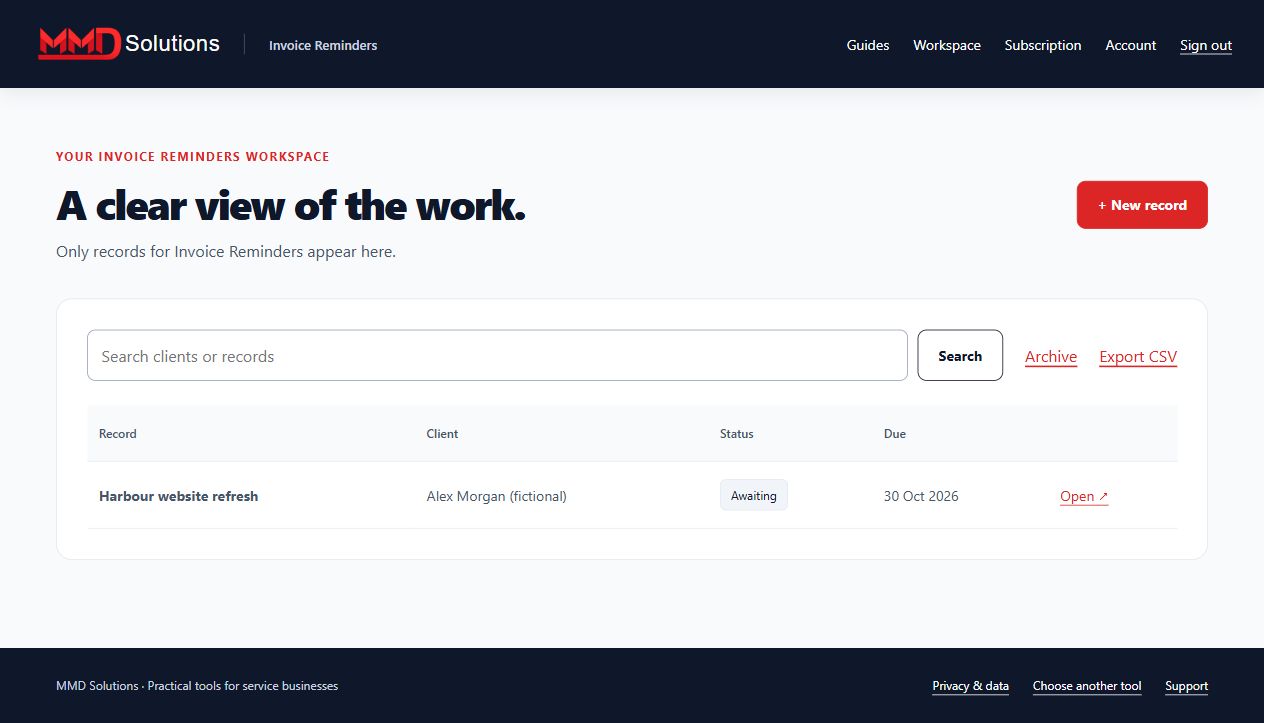
Fictional example. Each tool has its own records and subscription.
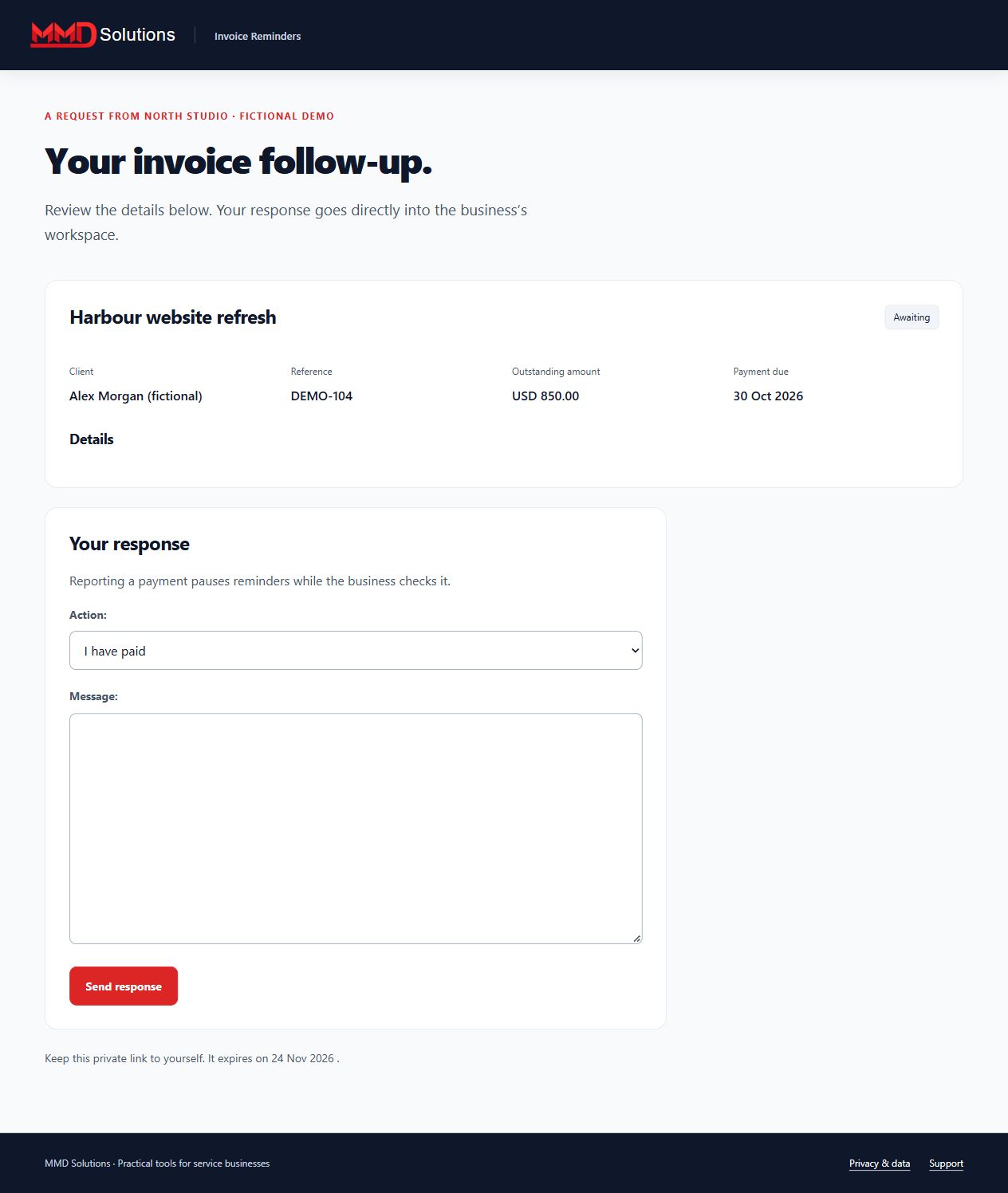
What your client sees
Limits and expectations
A sequence sends at most three emails, three days apart. The shared sender allows 30 emails per business across tools in a rolling day. This tool does not issue invoices, collect money, verify payments or sync accounting records. Email and phone replies require manual pausing. Up to 100 active records.
Account and subscription
- Create a Hub account and confirm your email.
- Subscribe to this specific tool using the same email at checkout.
- Enter the receipt's licence key on this tool's Subscription page.
Each tool is purchased separately. Manage renewals and cancellation with your subscription provider. Use your stored-data page to export, download attachments where applicable, or delete records, including after cancellation.
View this tool's subscription