
One clear goal
Collect missing client information in one private checklist, then review it before starting the work. Useful when logos, photos, answers or documents are scattered across messages.
Step by step
-
Select New record. Add the client, instructions, requested date and one checklist item per line.
-
Save and check the details. Confirm them to create the private client link.
-
Share the link directly, or start the owner-approved reminder sequence when email sending is available.
-
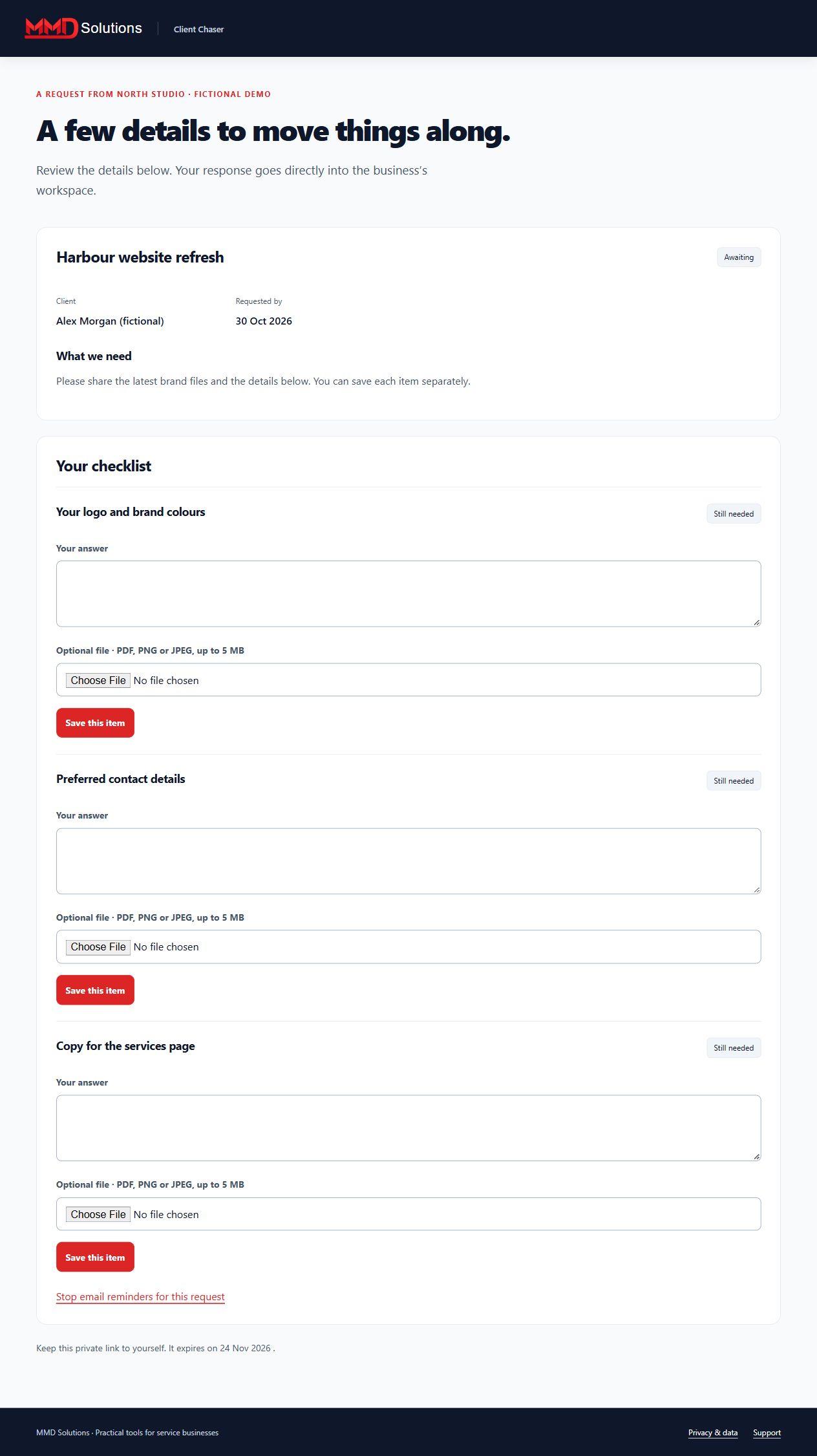
The client saves an answer or a PDF, PNG or JPEG for each item. Every submission pauses emails for your review.
-
Accept an item or request a revision with a note. Resume reminders explicitly if more information is needed.
-
Accept all items to complete the request. Export or archive it when finished.
Workspace screenshot
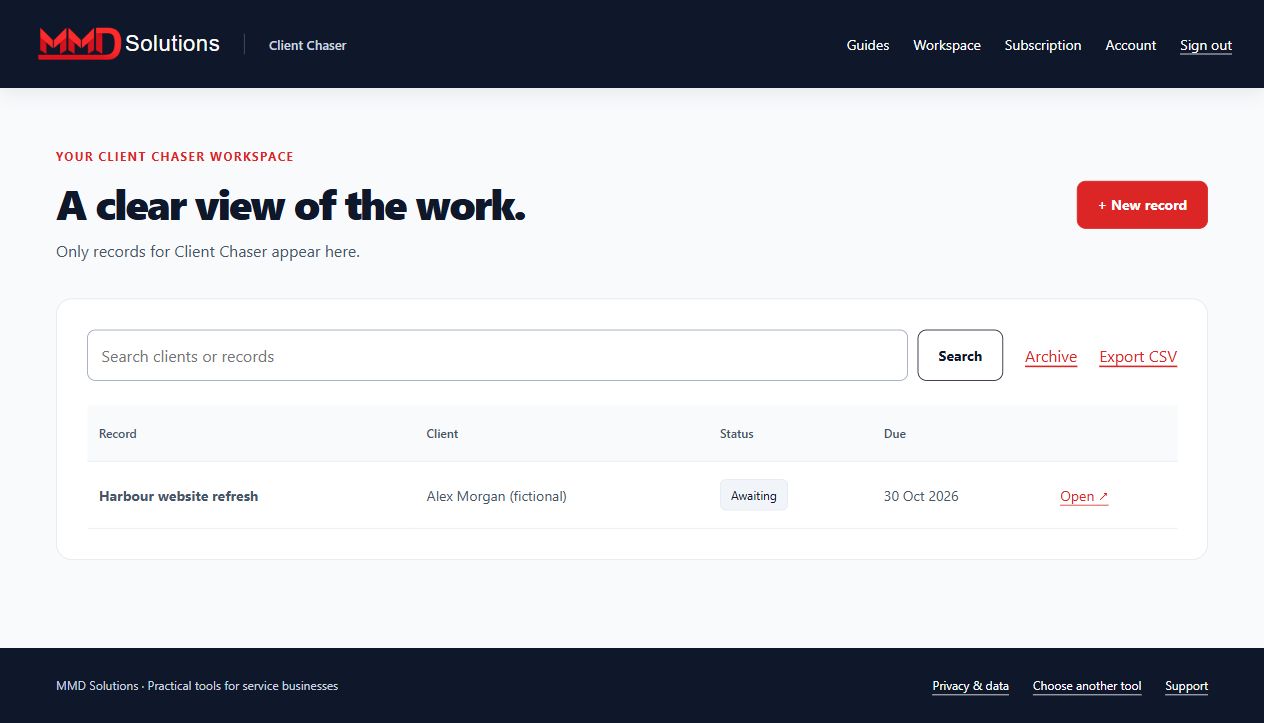
Fictional example. Each tool has its own records and subscription.
What your client sees
Limits and expectations
Up to 100 active requests, 20 checklist items per request, 5 MB per file and 100 MB attachment storage per business. Only the signed-in business owner can download attachments. Clients need no account.
A sequence sends at most three emails, three days apart. Email or phone replies require you to pause reminders manually. Avoid sensitive identity, health or payment-card documents.
Account and subscription
- Create a Hub account and confirm your email.
- Subscribe to this specific tool using the same email at checkout.
- Enter the receipt's licence key on this tool's Subscription page.
Each tool is purchased separately. Manage renewals and cancellation with your subscription provider. Use your stored-data page to export, download attachments where applicable, or delete records, including after cancellation.
View this tool's subscription